Benefits of using QR codes on menus
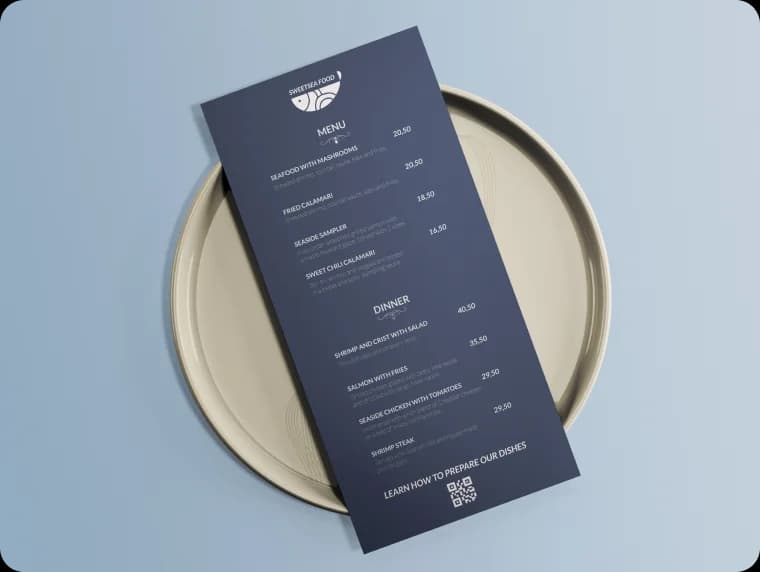
Digital menus accessed via QR codes have become essential for restaurants. Update prices instantly, add photos of dishes, and provide a safer, more convenient experience for diners.
Instant updates
Change prices, add specials, or mark items unavailable in real-time.
Photo galleries
Show appetizing photos of dishes that print menus can't match.
Multi-language
Offer your menu in multiple languages for international guests.
Cost savings
No more reprinting menus for price changes or seasonal updates.
Allergen info
Display detailed allergen and dietary information for each item.
Contactless
Reduce physical touchpoints for a safer dining experience.
How to use QR codes on menus
Restaurant tables
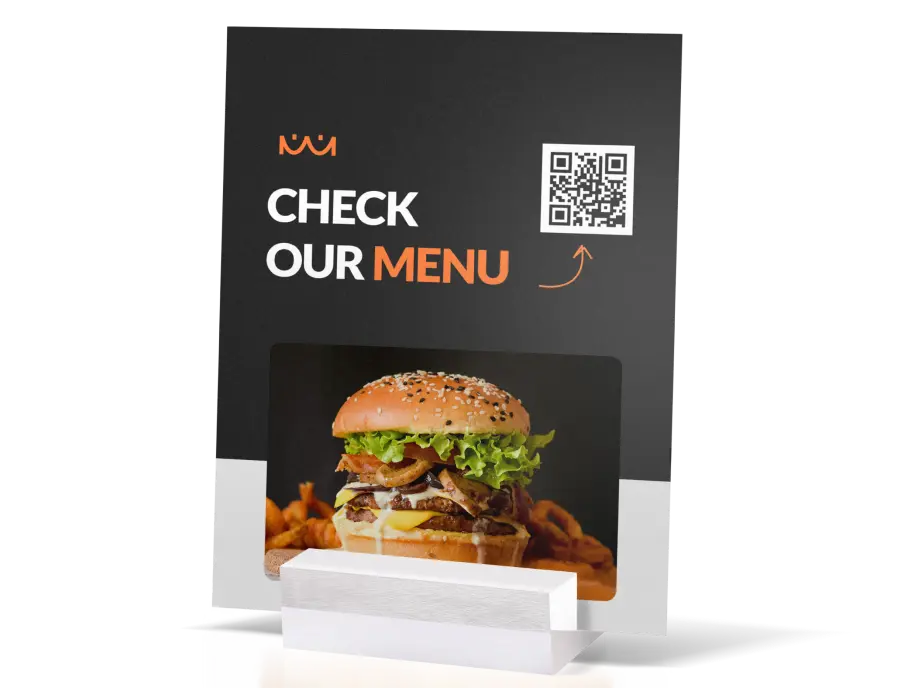
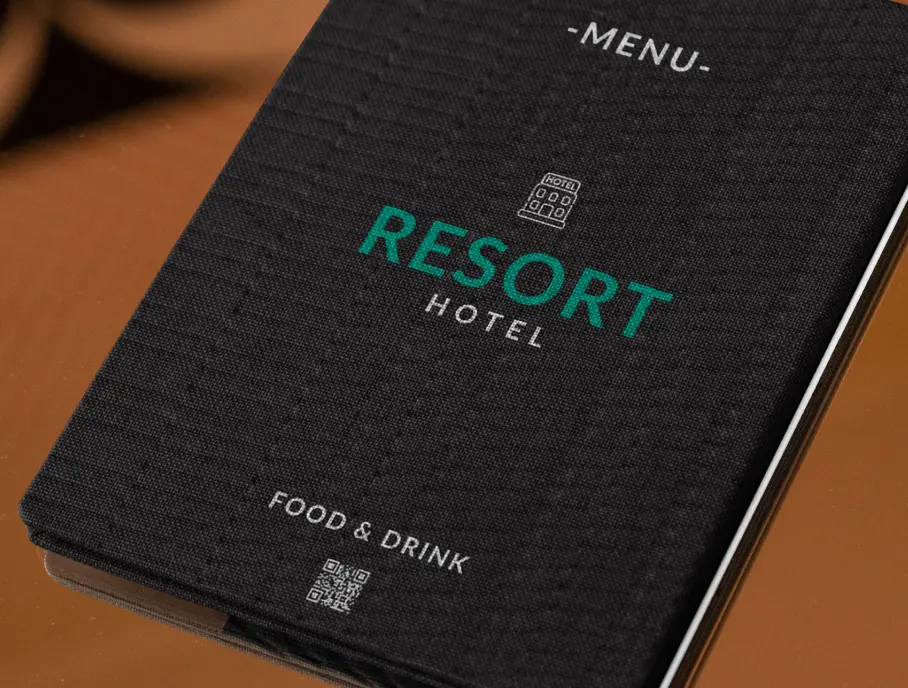
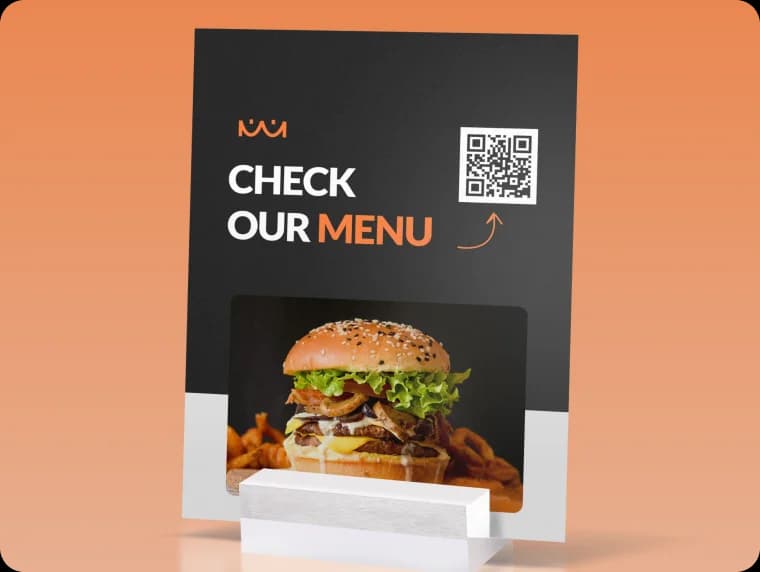
Place QR codes on table tents or table surfaces for easy access to digital menus.
Bar and cafe
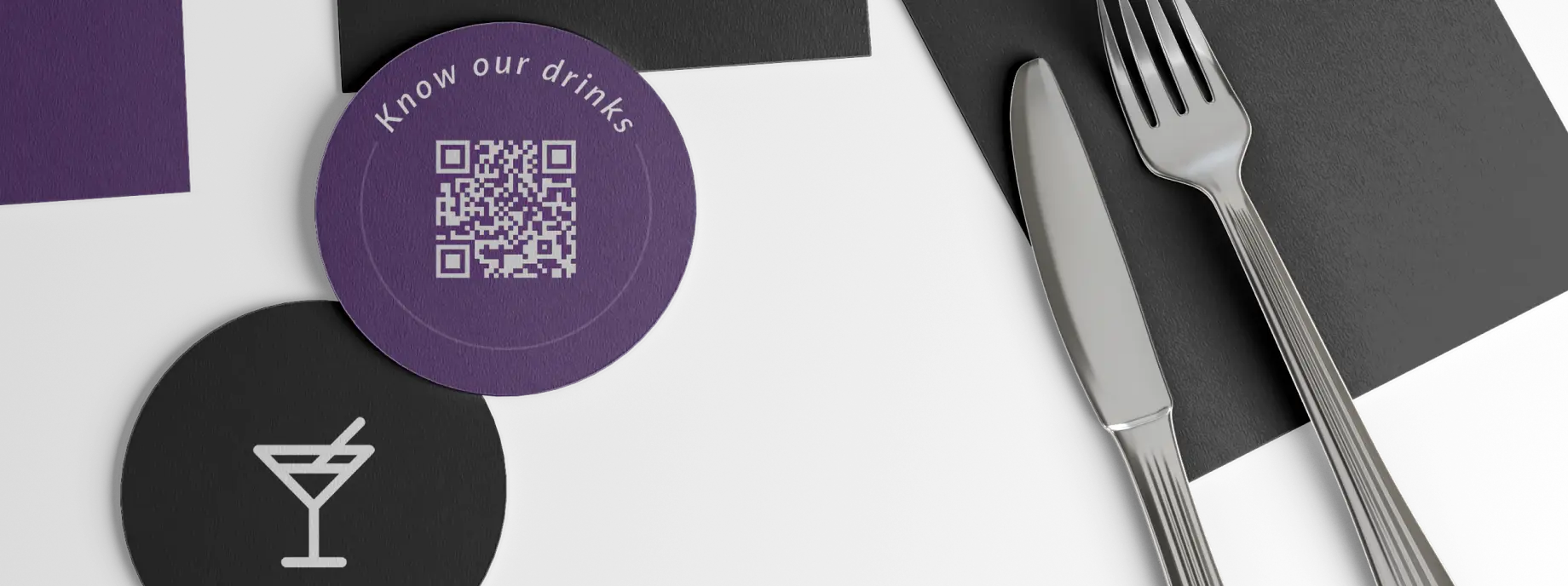
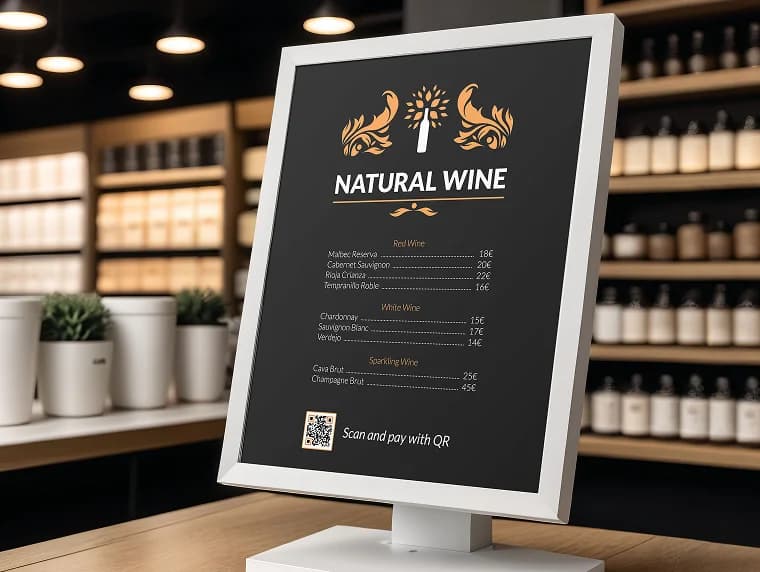
Use QR codes for drink menus, daily specials, and happy hour promotions.
Food trucks
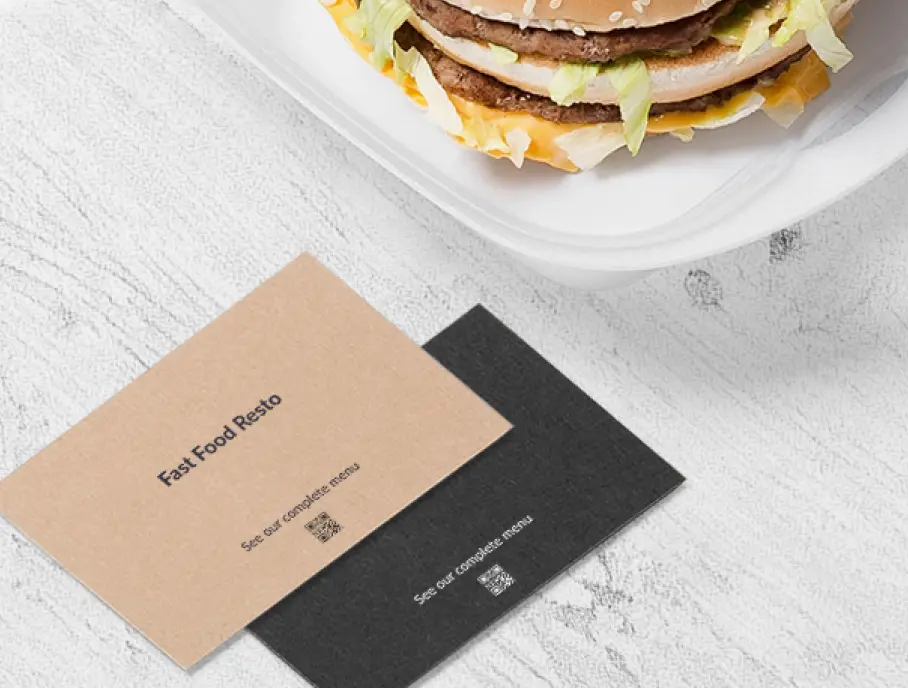
Display your menu on a simple QR sign - easy to update for rotating menus.
QR codes best suited for menus
Choose from our selection of QR code types that work best with menus.