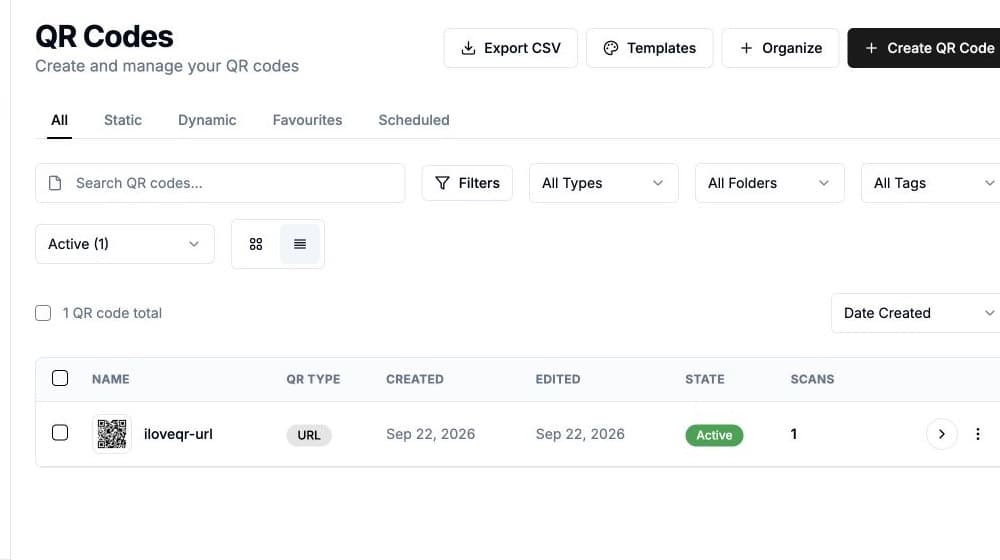
Learn about the Menu QR Code
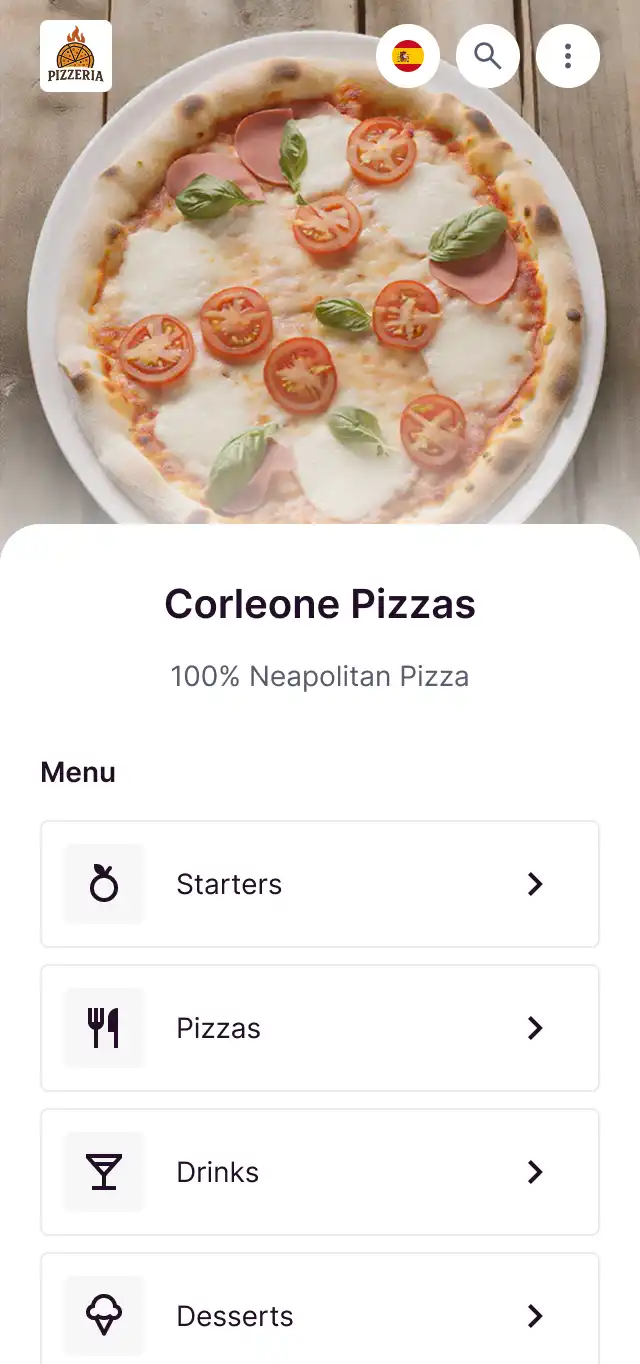
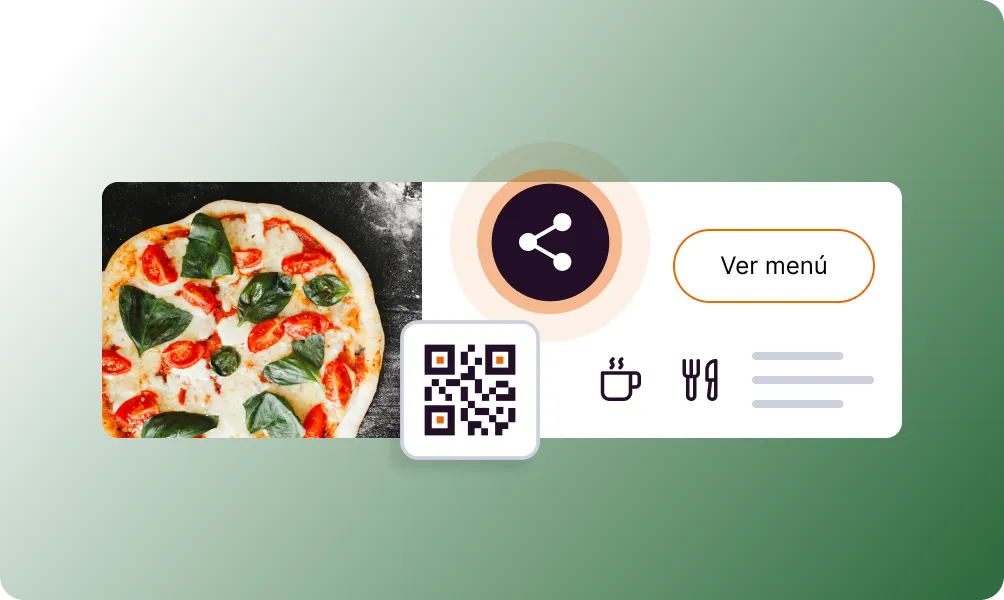
The Menu QR Code transforms your restaurant menu into a beautiful digital experience. Guests scan the QR code on their table and browse your menu on their phone. Update prices, add specials, and mark items as sold out in real-time. No app download required - works in any mobile browser.
Bring your ideas to life with the Menu QR
Beautiful menu display
Professional templates with categories, images, and descriptions.
Real-time updates
Change prices, add specials, or mark items unavailable instantly.
Multiple categories
Organize items into appetizers, mains, desserts, drinks, etc.
Allergen info
Display allergen information and dietary labels.
Multi-language
Offer your menu in multiple languages for international guests.
No app needed
Opens directly in the browser - no download required.
How to create a Menu QR Code
Add your menu items
Enter dishes, prices, descriptions, and upload food photos.
Organize categories
Group items into categories and set the display order.
Print and place
Download QR codes and place them on tables and menus.
Use it in your industry
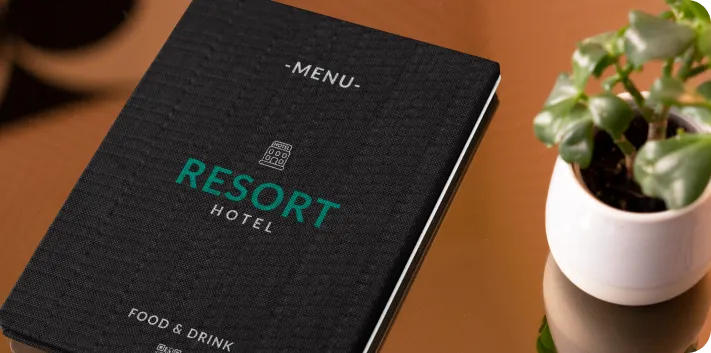
Hotels
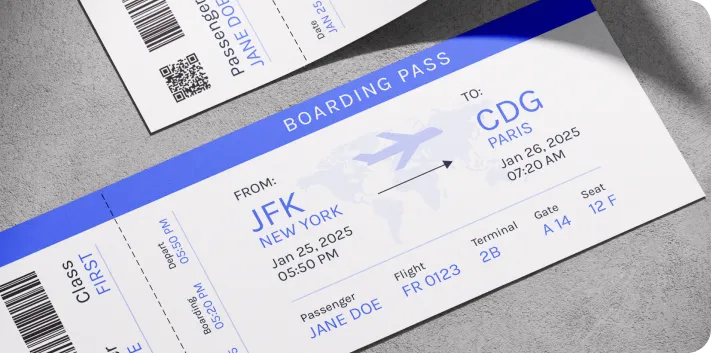
Transport
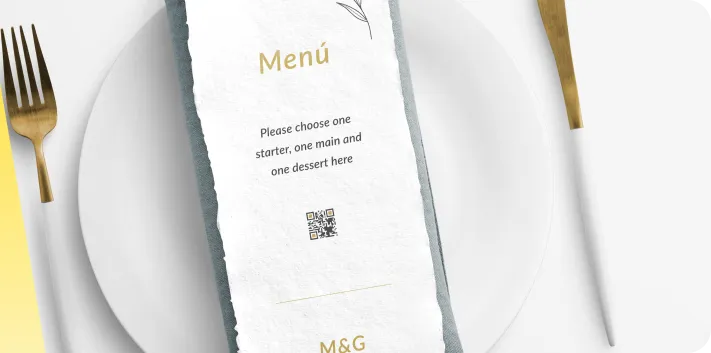
Events
Popular use cases
- Restaurant table tents
- Cafe counter displays
- Bar drink menus
- Food truck windows
- Catering menus
- Hotel room service
- Event food stations
- Takeaway menus
Dynamic QR Codes
Edit content anytime without reprinting
Bulk Creation
Create hundreds of QR codes at once
Advanced Analytics
Track scans, locations, and devices
Priority Support
Get help when you need it