Simple document upload
Choose the PDF you want to share and keep the creation flow focused on the document.
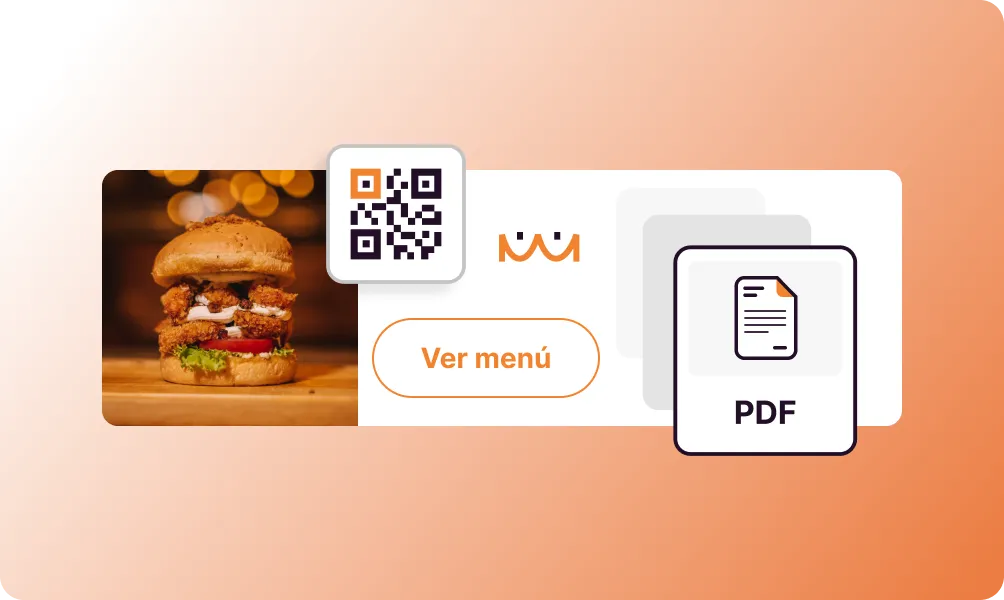
Share a menu, brochure, guide or document with one simple scan. Add your PDF and customise the QR code directly on this page.
Add your document, personalise the design and preview the result before creating a free account to save it.
Preview
A PDF QR code gives people immediate access to your document from their phone. With a dynamic QR code, you can replace the destination file later while keeping the same printed code in circulation. It is a practical way to distribute information without asking people to type a web address.
Choose the PDF you want to share and keep the creation flow focused on the document.
With a dynamic code, update the linked PDF without replacing printed materials.
Understand when and where your dynamic QR code is being scanned.
Customise the code and download a version suited to digital or printed use.
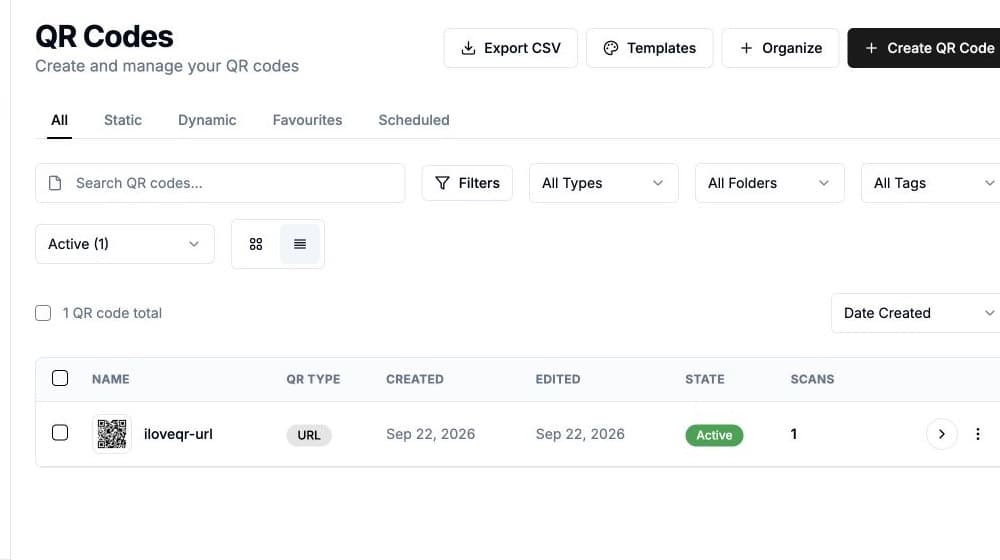
Find the QR code, its destination and its activity from your iloveQR dashboard.
Give the scanner a direct path from the physical support to the document.
Select the document you want customers, guests or colleagues to open.
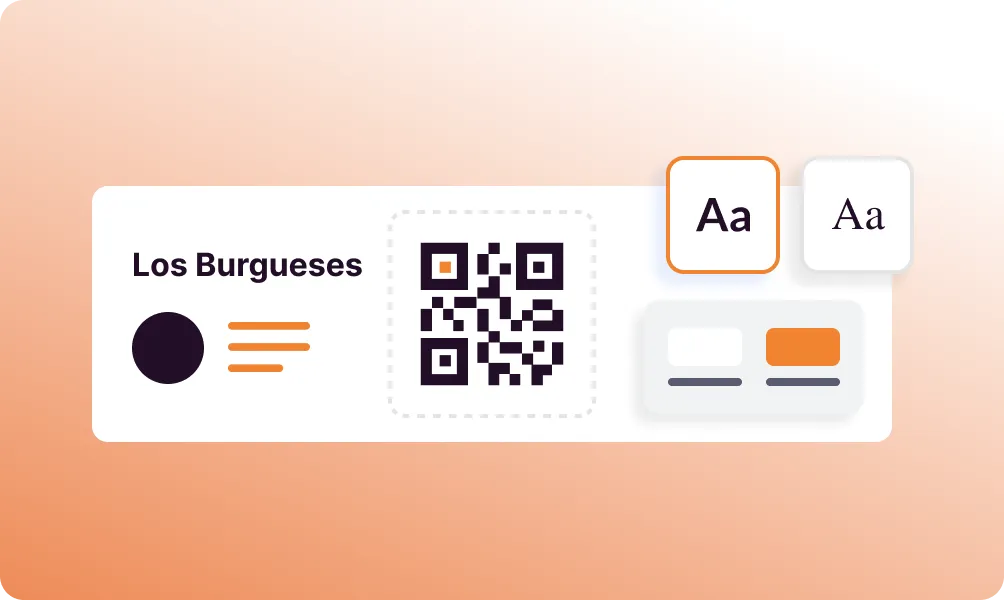
Adjust colours, pattern, corners, frame and logo so it fits its context.
Test the scan, download the finished code and place it on your chosen material.
Yes. Add the document and customise the QR code directly on this page. A free account is requested only when you save or download it; paid options are shown before any purchase.
Yes, when you use a dynamic PDF QR code. You can update its destination while keeping the same code on already printed materials.
Scan the final code on more than one phone, confirm that the document opens correctly and keep enough clear space around the code.
Yes. You can adjust its colours, pattern, corners, frame and logo while keeping the result readable.
Return to the creator, add your document and prepare a code that is ready to share.