
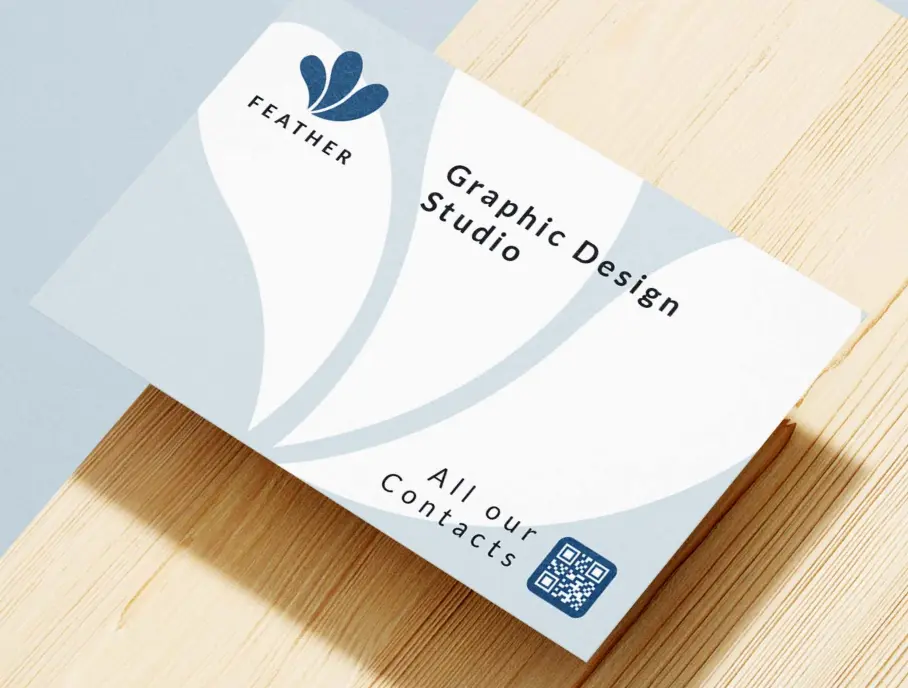

Benefits of using QR codes on business cards
Business cards are perfect for QR codes. Instead of manually typing contact info, recipients can scan and save your details instantly. Update your information without reprinting.
Instant contact saving
Recipients can save your contact info to their phone with one tap.
Share more than contact info
Link to your portfolio, LinkedIn, social profiles, and more.
Update without reprinting
Change your phone number or job title without ordering new cards.
Track engagement
See how many people scan your card and when.
Professional impression
Stand out with modern, tech-forward business cards.
Eco-friendly option
Reduce paper waste by sharing digital information.
How to use QR codes on business cards
Add to existing cards
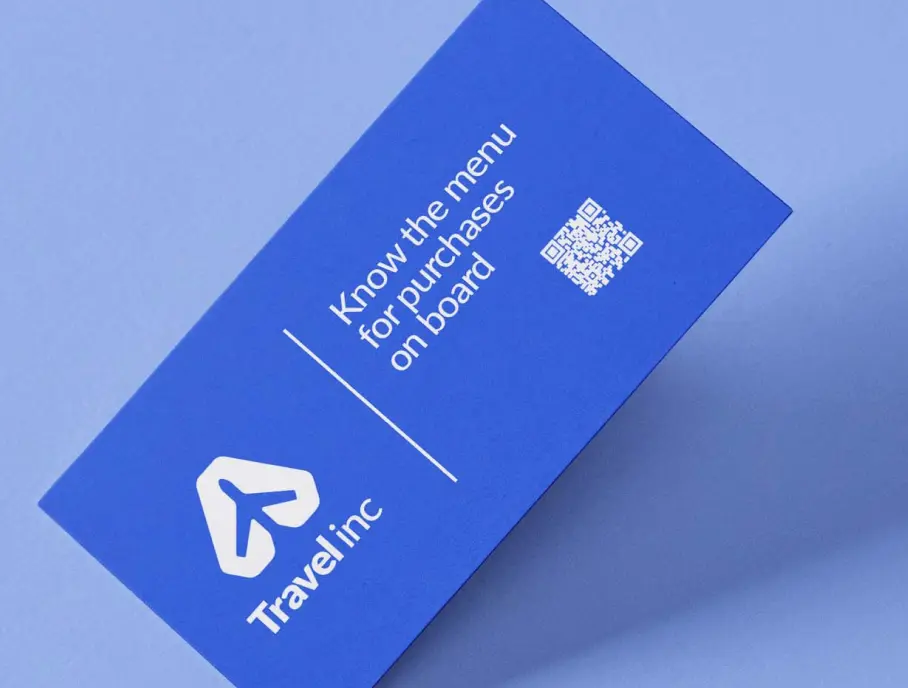
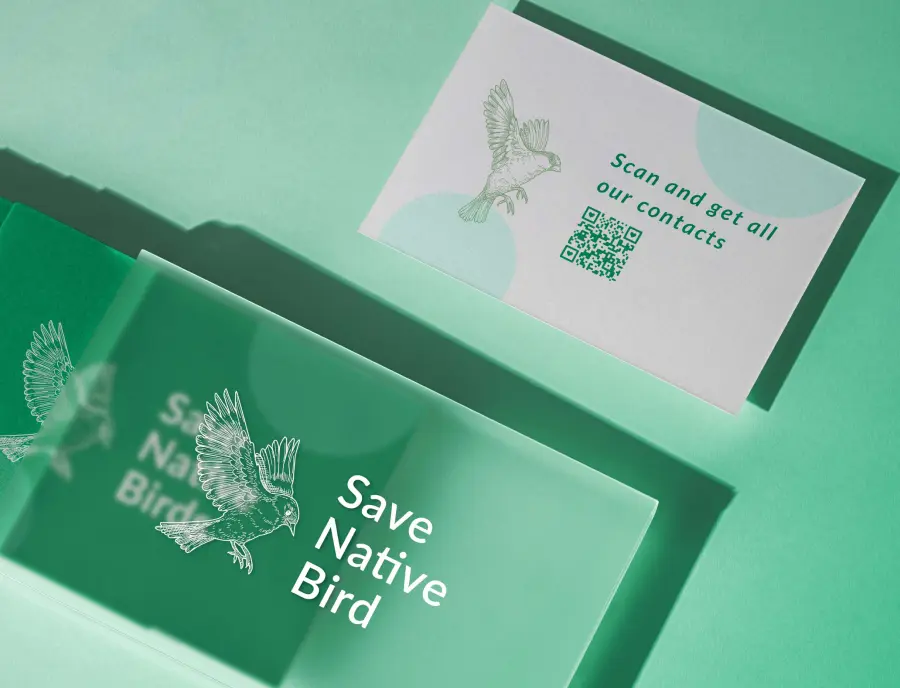
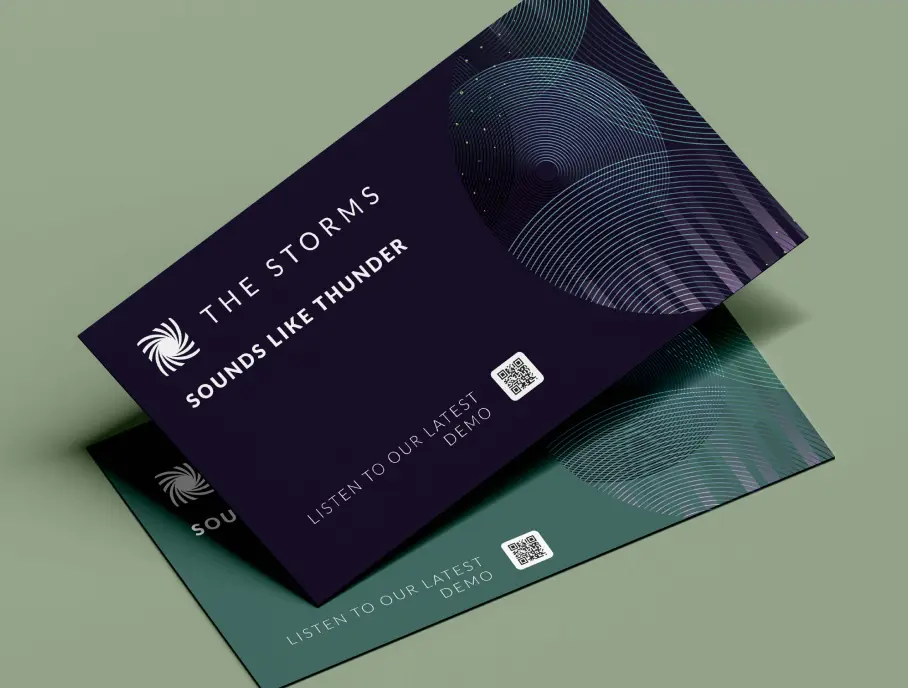
Print a small QR code on the back of your traditional business card to offer a digital option alongside your printed info.

Create QR-first cards
Design minimalist cards with just your name, title, and a large QR code. All other info is accessed digitally.
Link to vCard Plus
Use our vCard Plus QR code to create a beautiful digital profile with photo, social links, and call-to-action buttons.

QR codes best suited for business cards
Choose from our selection of QR code types that work best with business cards.