Learn about the WhatsApp QR Code
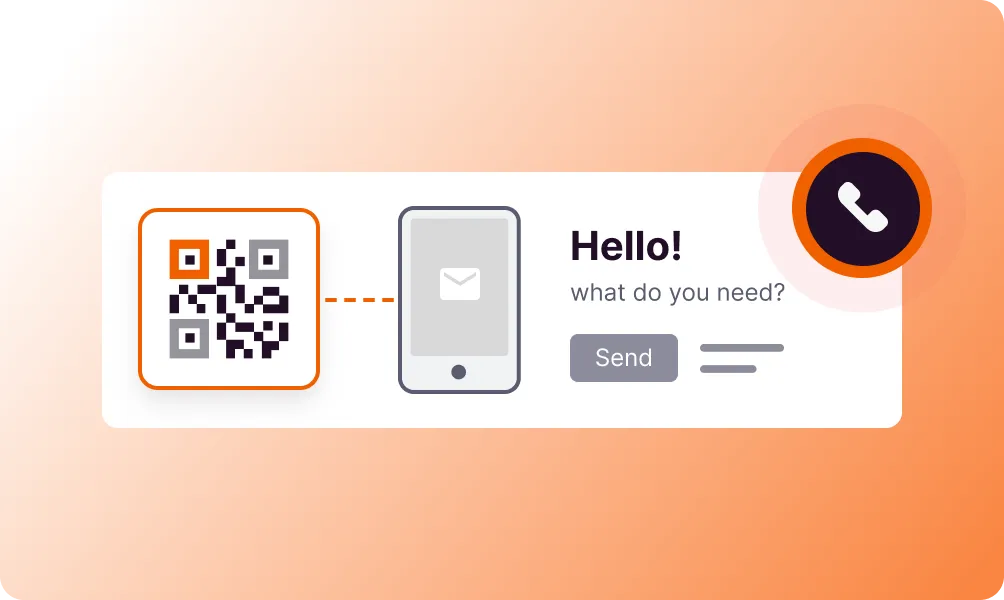
The WhatsApp QR Code opens a chat with your business number instantly. Users scan the code and WhatsApp opens with a pre-filled message ready to send. No need to save contact numbers - customers can reach you immediately. Perfect for customer support, sales inquiries, and instant communication.
Bring your ideas to life with the WhatsApp QR
Instant Chat
Opens WhatsApp directly to your business number.
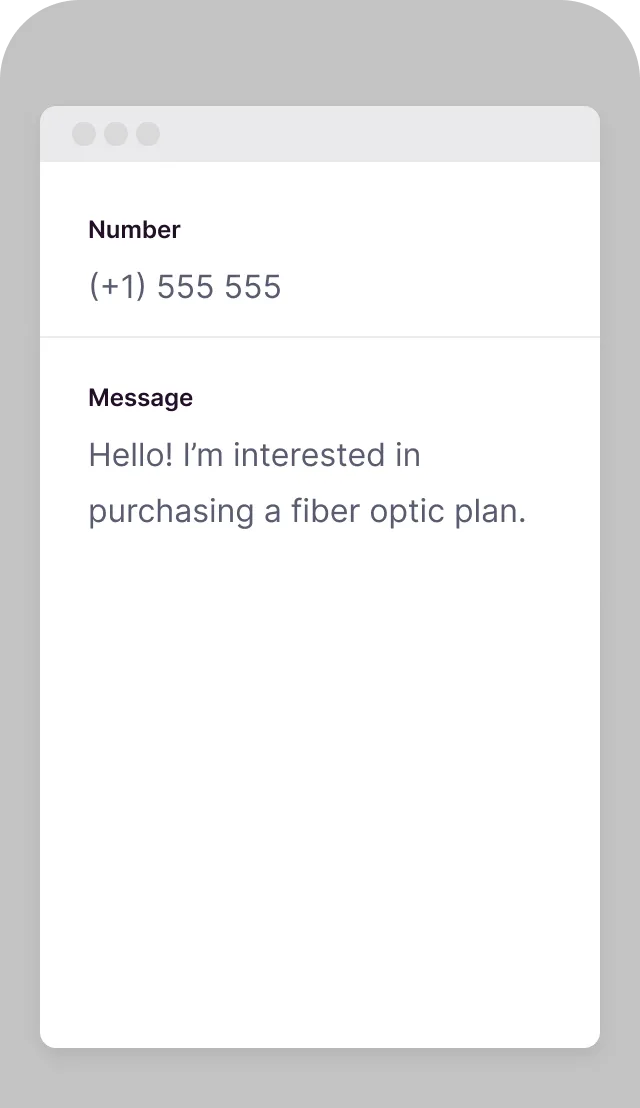
Pre-filled Messages
Set a default message to start the conversation.
No Contact Saving
Customers can message without saving your number.
Global Reach
Connect with customers worldwide via WhatsApp.
Business Integration
Works with WhatsApp Business for professional features.
Track Engagement
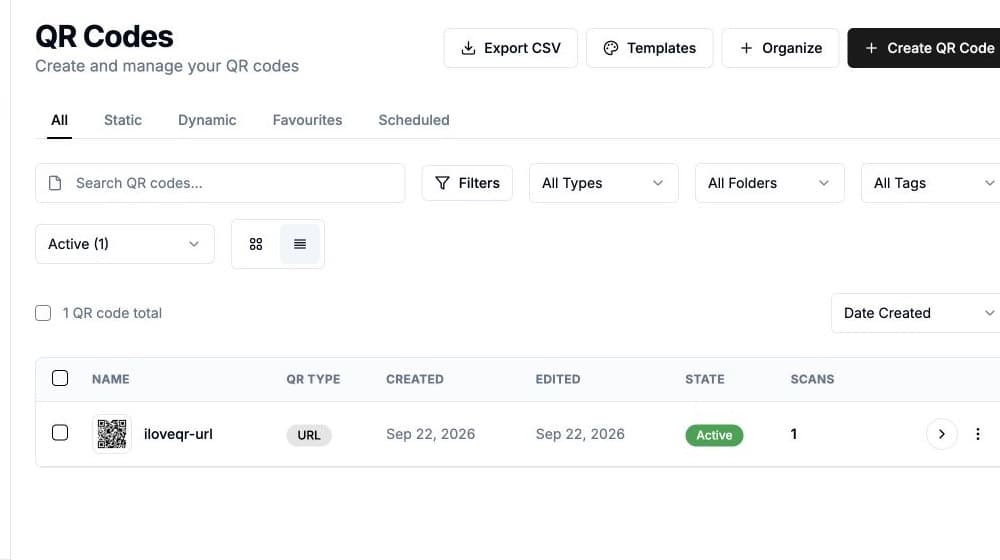
Monitor how many people scan and initiate chats.
How to create a WhatsApp QR Code
Enter WhatsApp number
Add your business WhatsApp number with country code.
Set welcome message
Create a pre-filled message customers will send.
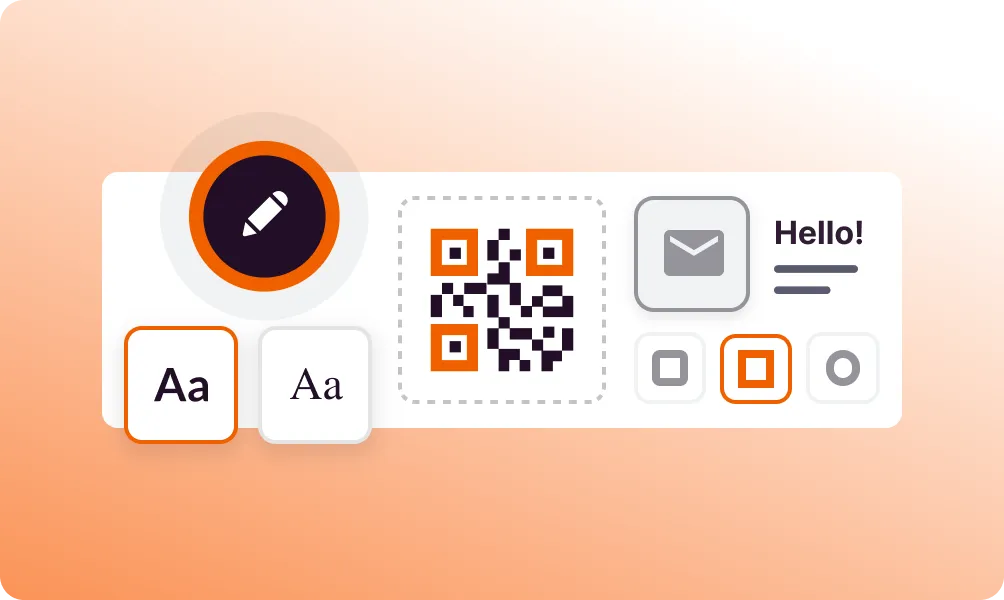
Brand your QR code
Customize colors and add your logo.
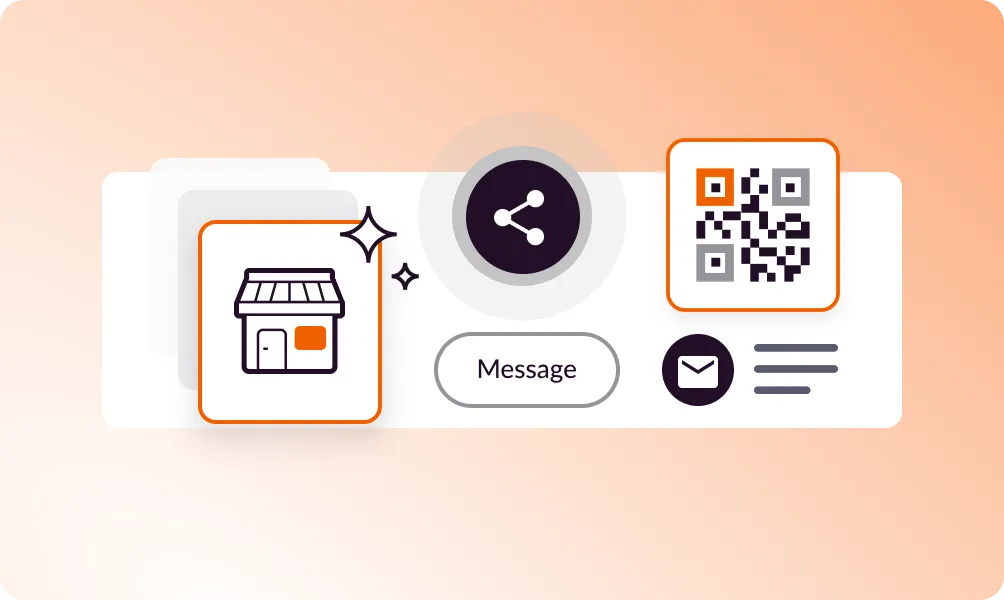
Share everywhere
Add to business cards, storefronts, and marketing materials.
Use it in your industry

Retail

Events
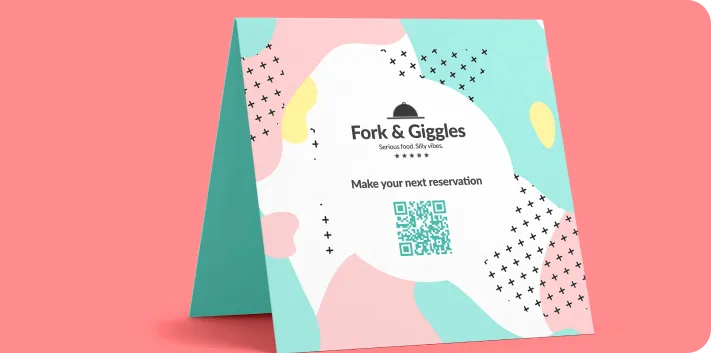
Restaurants
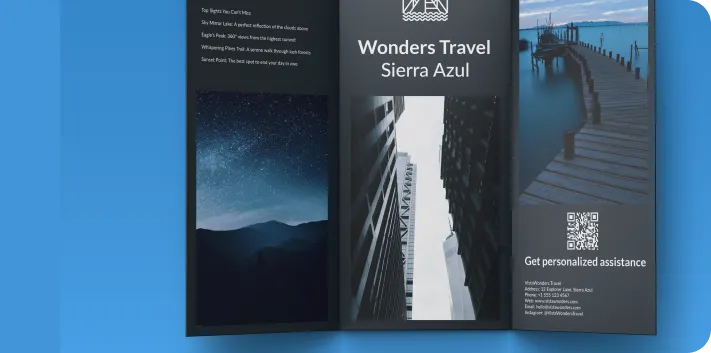
Tourism
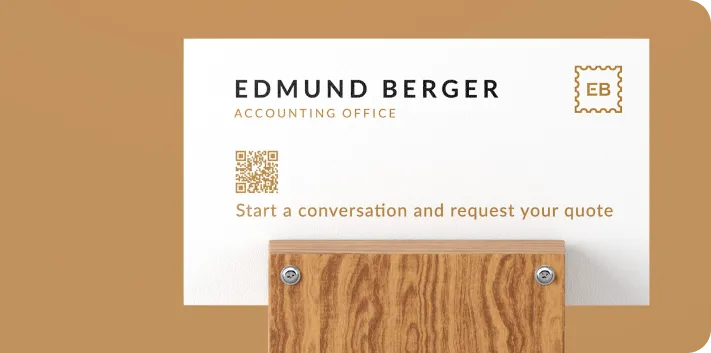
Business
Popular use cases
- Customer support and inquiries
- Restaurant reservations and orders
- Real estate property inquiries
- Travel and tour bookings
- Sales and quote requests
- Appointment scheduling
Dynamic QR Codes
Edit content anytime without reprinting
Bulk Creation
Create hundreds of QR codes at once
Advanced Analytics
Track scans, locations, and devices
Priority Support
Get help when you need it