Learn about the Text QR Code
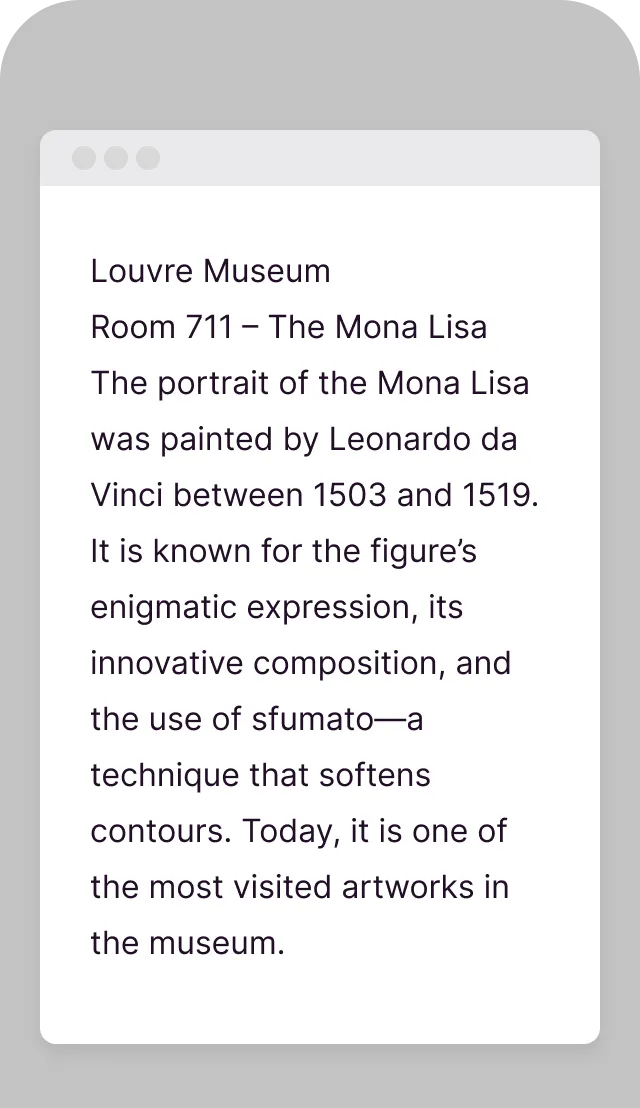
The Text QR Code displays plain text when scanned - no internet connection required. Perfect for sharing short messages, instructions, serial numbers, or any information that needs to be easily accessible. The text appears directly on the user's screen, making it ideal for offline use cases.
Bring your ideas to life with the Text QR
No Internet Required
Text displays instantly without needing a connection.
Simple & Direct
Information appears immediately on the scanner's screen.
Unlimited Characters
Encode long text passages, instructions, or messages.
Copy & Paste
Users can easily copy the text to use elsewhere.
Multilingual Support
Works with any language and special characters.
Permanent Content
Text is encoded in the QR code itself - never changes.
How to create a Text QR Code
Enter your text
Type or paste the text message you want to encode.
Preview the result
See how the text will appear when scanned.
Customize design
Add colors and styling to match your brand.
Download and use
Export your QR code for print or digital use.
Use it in your industry
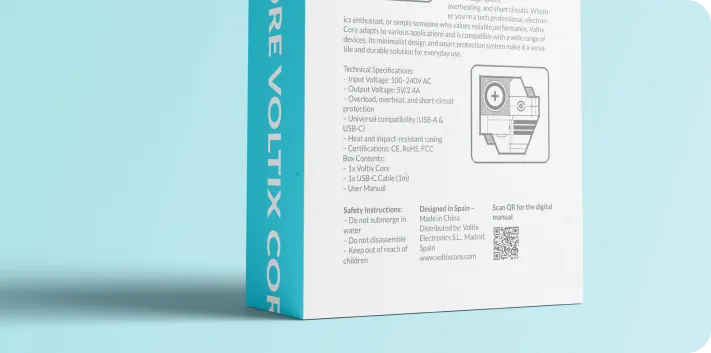
Retail

Tourism
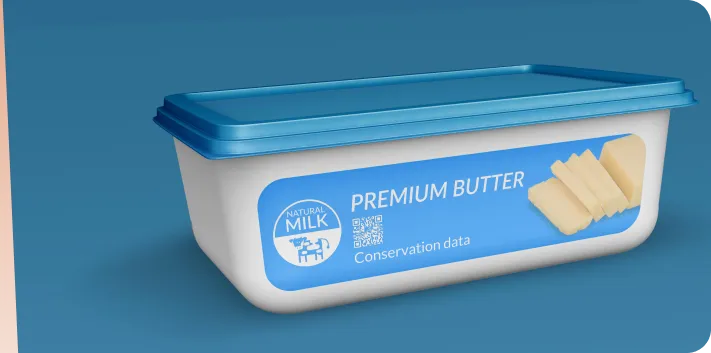
Products

Fitness
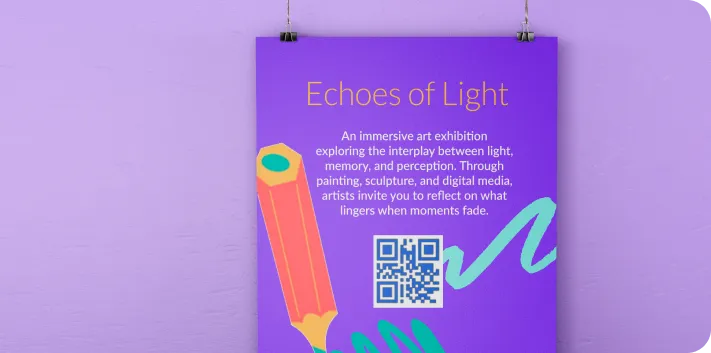
Museums




Popular use cases
- Product serial numbers and codes
- Assembly instructions
- WiFi passwords (alternative)
- Museum exhibit descriptions
- Warehouse location codes
- Secret messages and scavenger hunts
Dynamic QR Codes
Edit content anytime without reprinting
Bulk Creation
Create hundreds of QR codes at once
Advanced Analytics
Track scans, locations, and devices
Priority Support
Get help when you need it