Learn about the Playlist QR Code
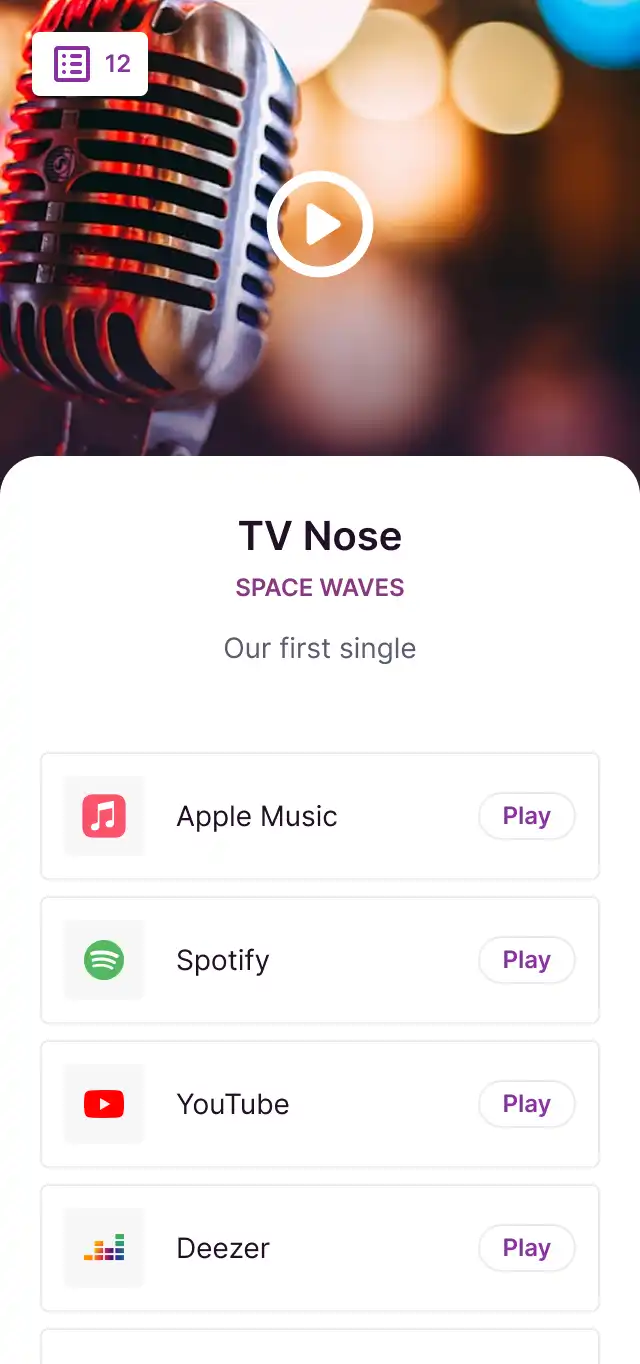
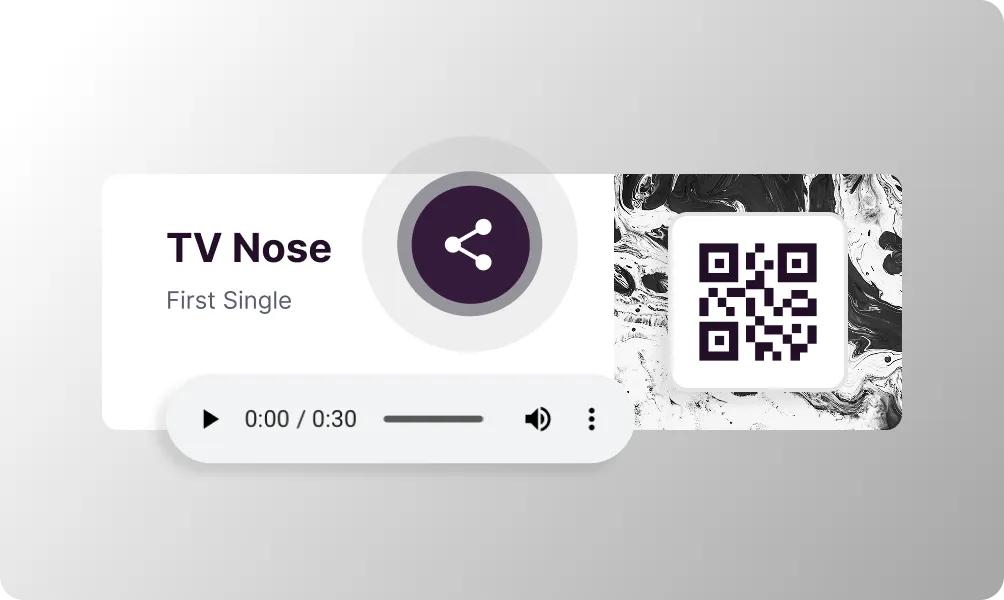
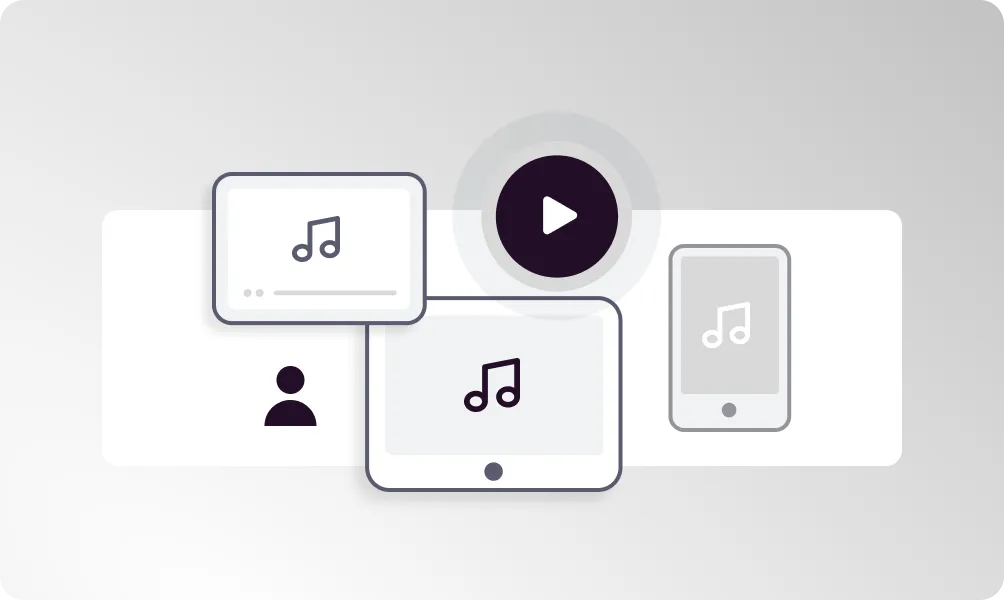
The Playlist QR Code lets listeners choose their preferred streaming platform. Link to your music on Spotify, Apple Music, YouTube Music, Amazon Music, and more from a single QR code. Perfect for musicians, DJs, and anyone who wants to share music regardless of which platform their audience uses.
Bring your ideas to life with the Playlist QR
All major platforms
Support for Spotify, Apple Music, YouTube Music, Amazon Music, and more.
Smart routing
Automatically detects user platform and offers the best option.
Beautiful landing page
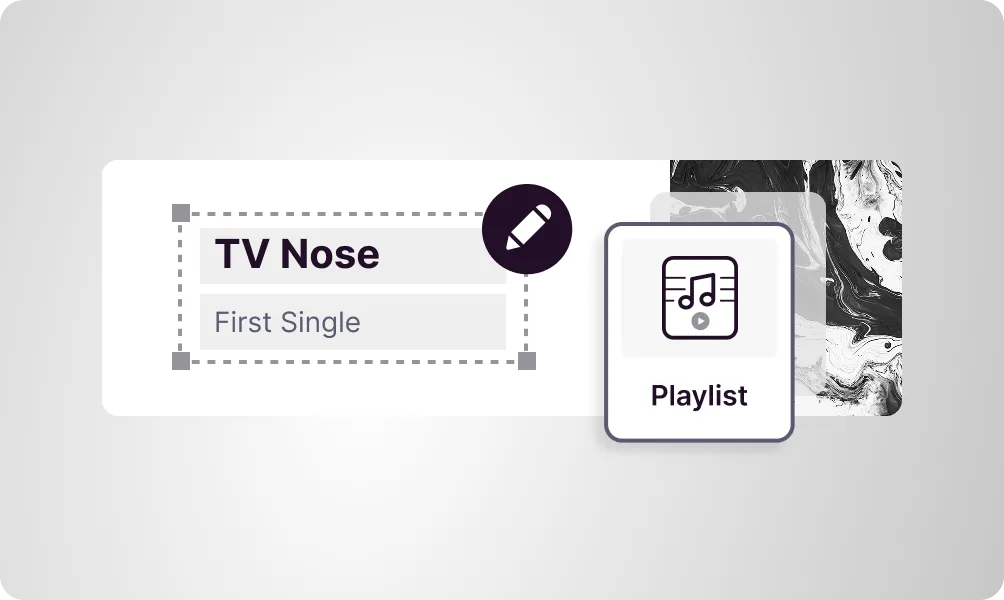
Display album art and track info on a professional music page.
Pre-save campaigns
Let fans pre-save upcoming releases before they drop.
Stream tracking
Track clicks and see which platforms your audience prefers.
Easy updates
Add new platforms or update links without changing the QR code.
How to create a Playlist QR Code
Add your music links
Paste links to your music on each streaming platform.
Customize appearance
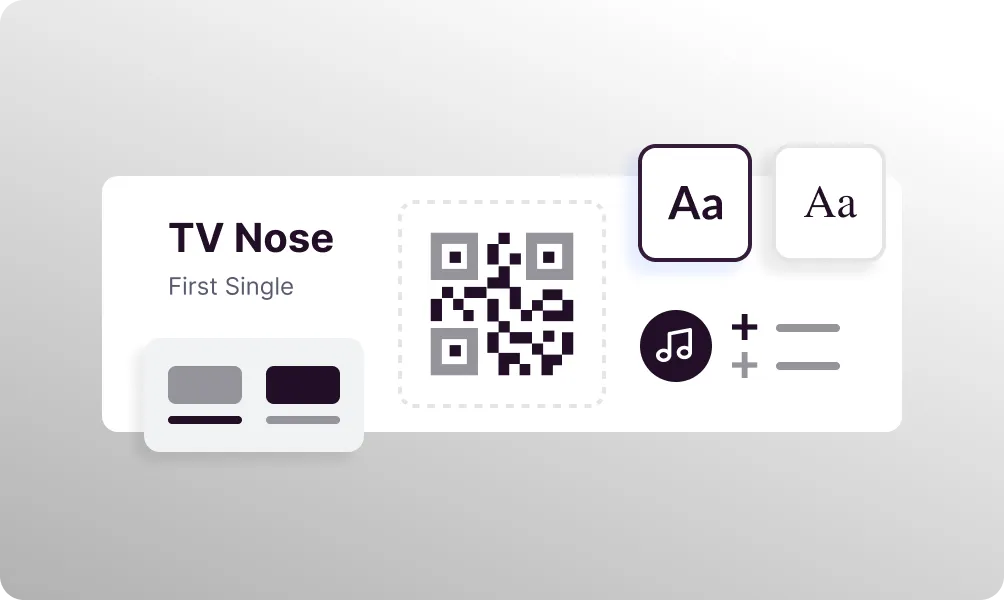
Add album artwork and customize colors to match your brand.
Share your QR code
Download and share on social media, posters, and merchandise.
Use it in your industry
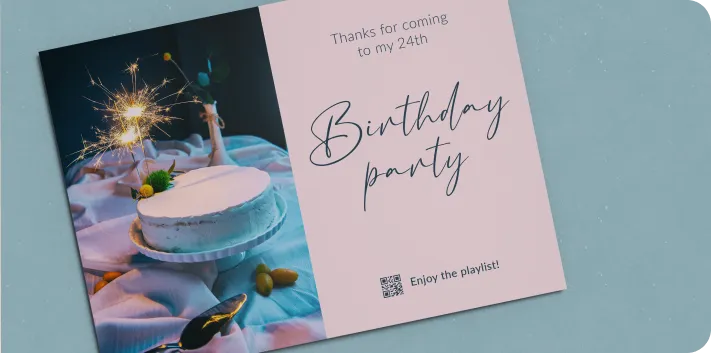
Personal
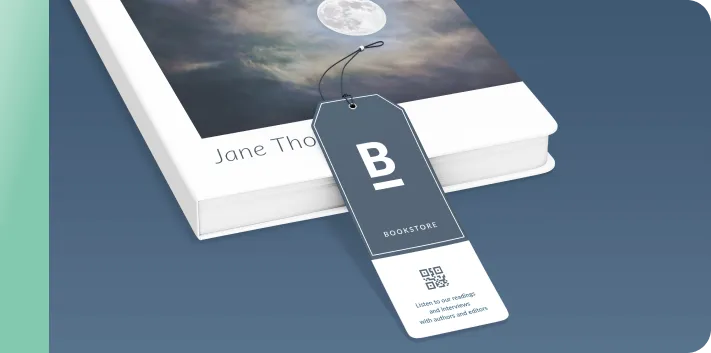
Editorials
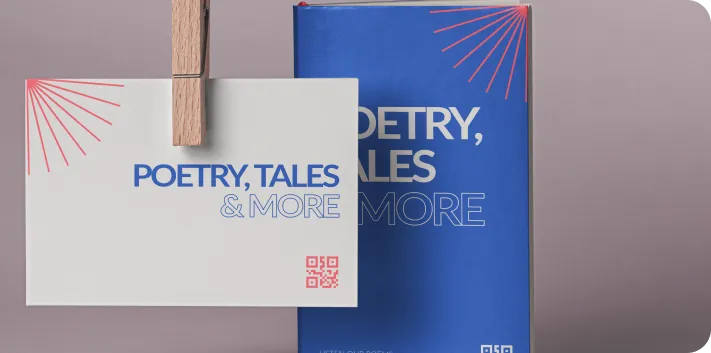
Authors
Popular use cases
- Album and single releases
- Concert and event promotion
- Music merchandise
- Artist press kits
- Radio station promotions
- Music festival lineups
- DJ mixes and sets
- Podcast episodes
Dynamic QR Codes
Edit content anytime without reprinting
Bulk Creation
Create hundreds of QR codes at once
Advanced Analytics
Track scans, locations, and devices
Priority Support
Get help when you need it