

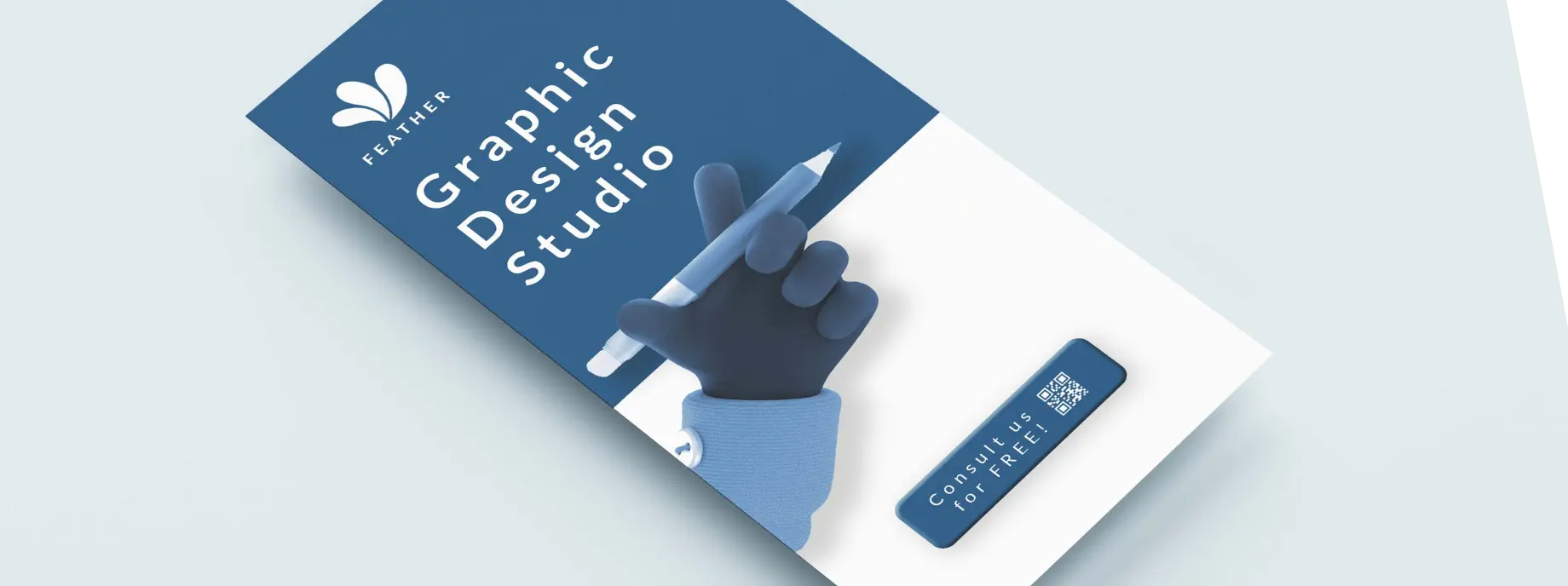
Benefits of using QR codes on brochures
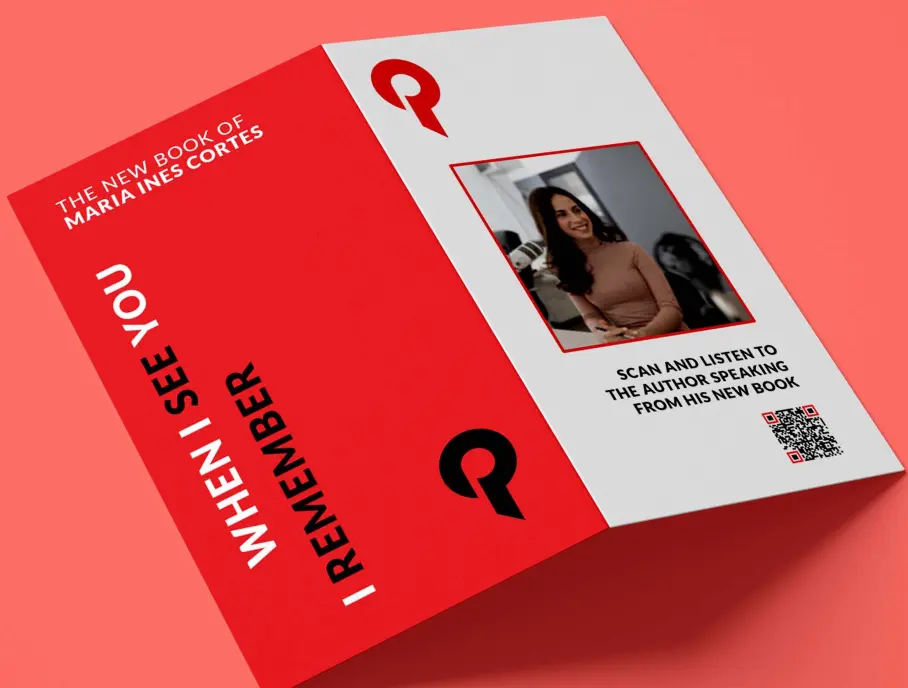
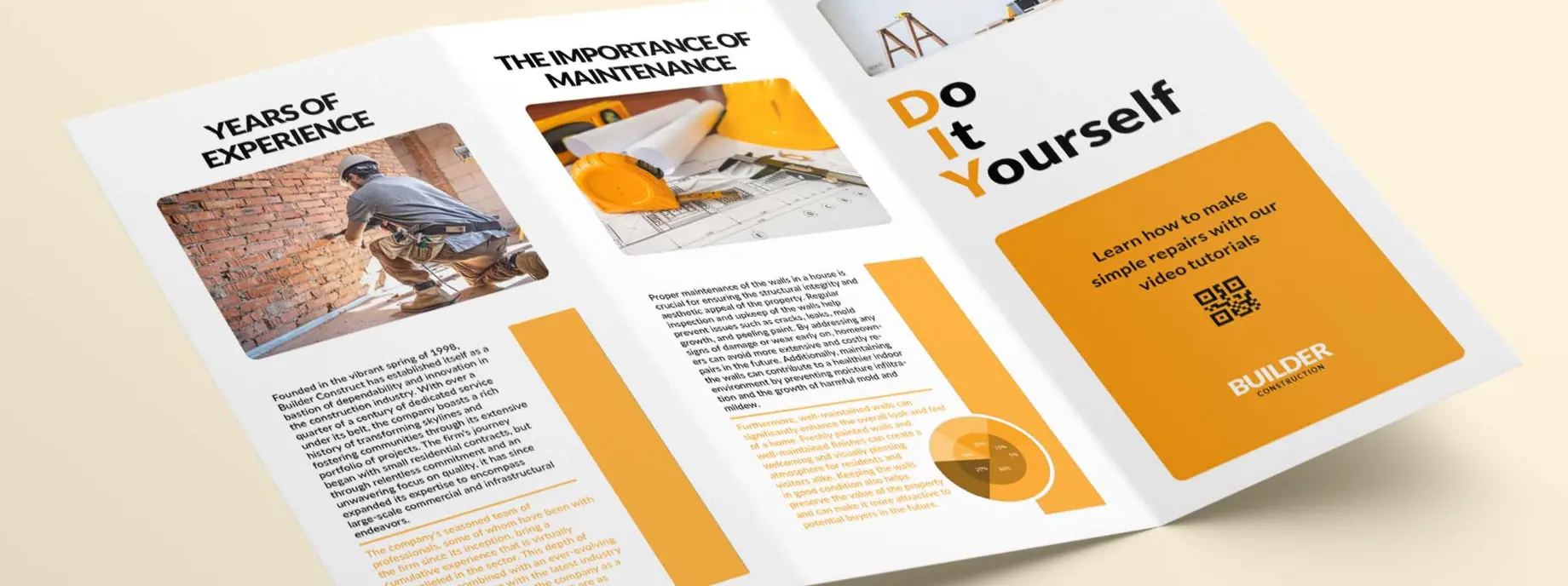
Brochures have limited space but unlimited potential. QR codes let you link to videos, detailed specifications, testimonials, and more content than any brochure could hold.
Unlimited content
Link to videos, case studies, and detailed info that won't fit in print.
Always current
Update digital content while printed brochures remain in circulation.
Measure interest
Track which sections generate the most scans and engagement.
Multi-language support
Link to content in multiple languages from a single brochure.
Video integration
Add product demos and testimonial videos to your print materials.
Lead generation
Capture leads through linked forms and landing pages.
How to use QR codes on brochures
Product catalogs
Link to detailed specifications, 360-degree views, and ordering information.
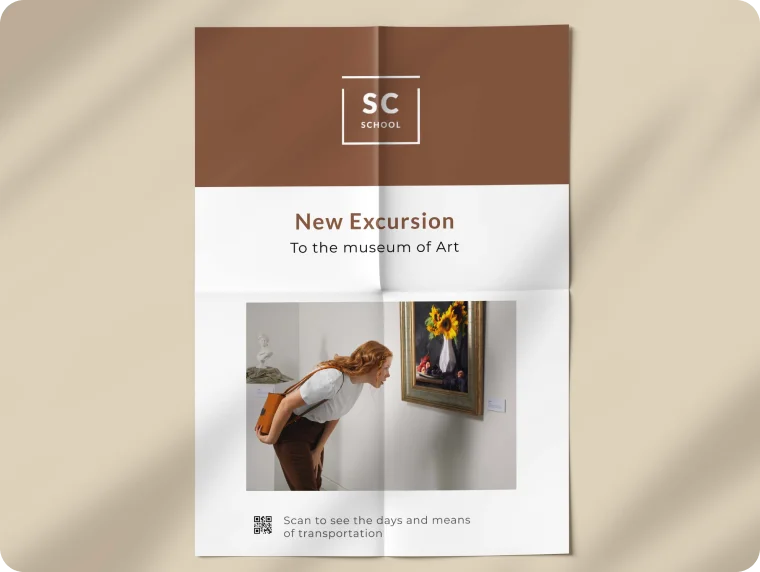
Service brochures
Connect to testimonials, case studies, and booking pages.
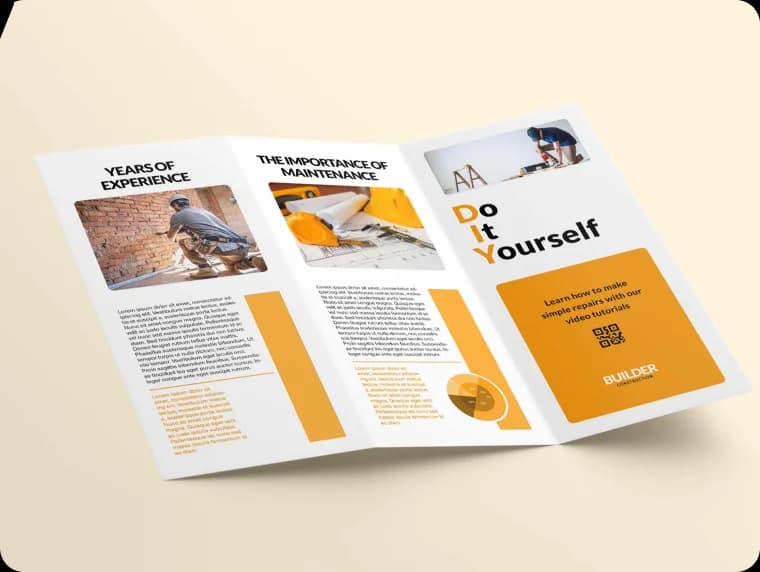
Educational materials
Link to additional resources, videos, and interactive learning content.
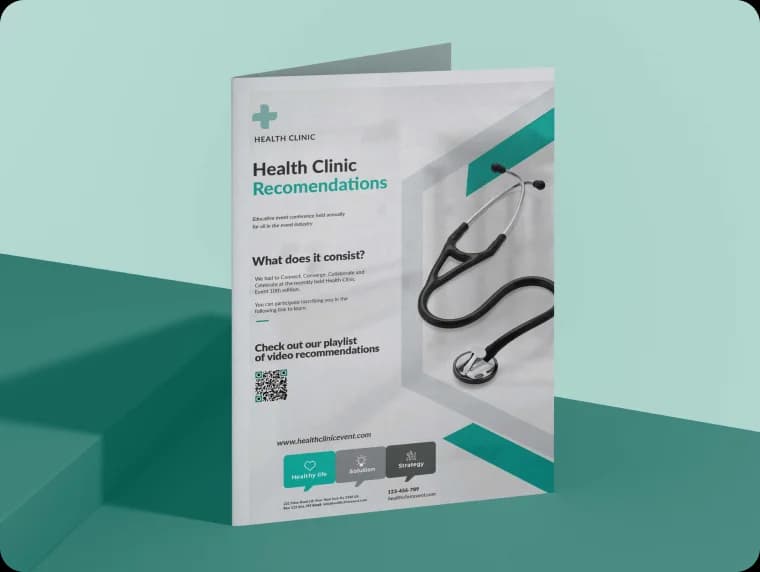
QR codes best suited for brochures
Choose from our selection of QR code types that work best with brochures.